Transcribe Audio to Text with Multiple Speakers
Transcribe audio to text with multiple speakers fast using SpotScribe, with accurate speaker attribution. Everything is automatic and instant.
SpotScribe maintains consistent speaker labels throughout long recordings and can distinguish people with similar voices, accents, and ages.
Simply upload your recording to get started.
Accurate Multi-Speaker Transcription in Real-World Audio
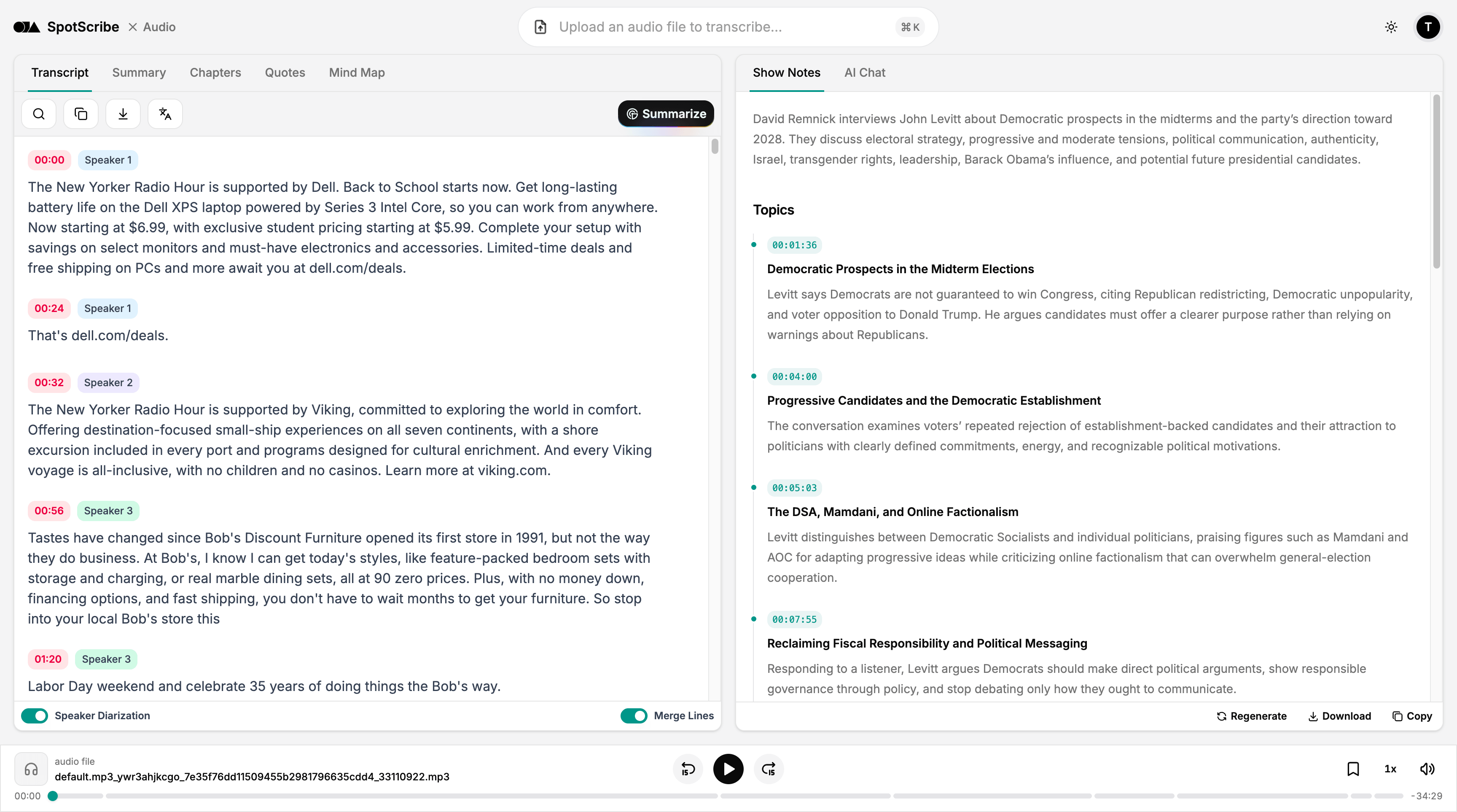
SpotScribe handles conversations where people interrupt or speak over one another. It balances voices recorded in noisy environments or from different distances, helping identify the content and speakers accurately.
It also works reliably with echo, phone calls, voice messages, and other imperfect everyday audio, so your recording doesn’t need to sound studio-ready.
Each speaker label includes a timestamp that you can click to jump directly to the matching audio and listen again.
Transcribe Accents, Dialects, and Multiple Languages
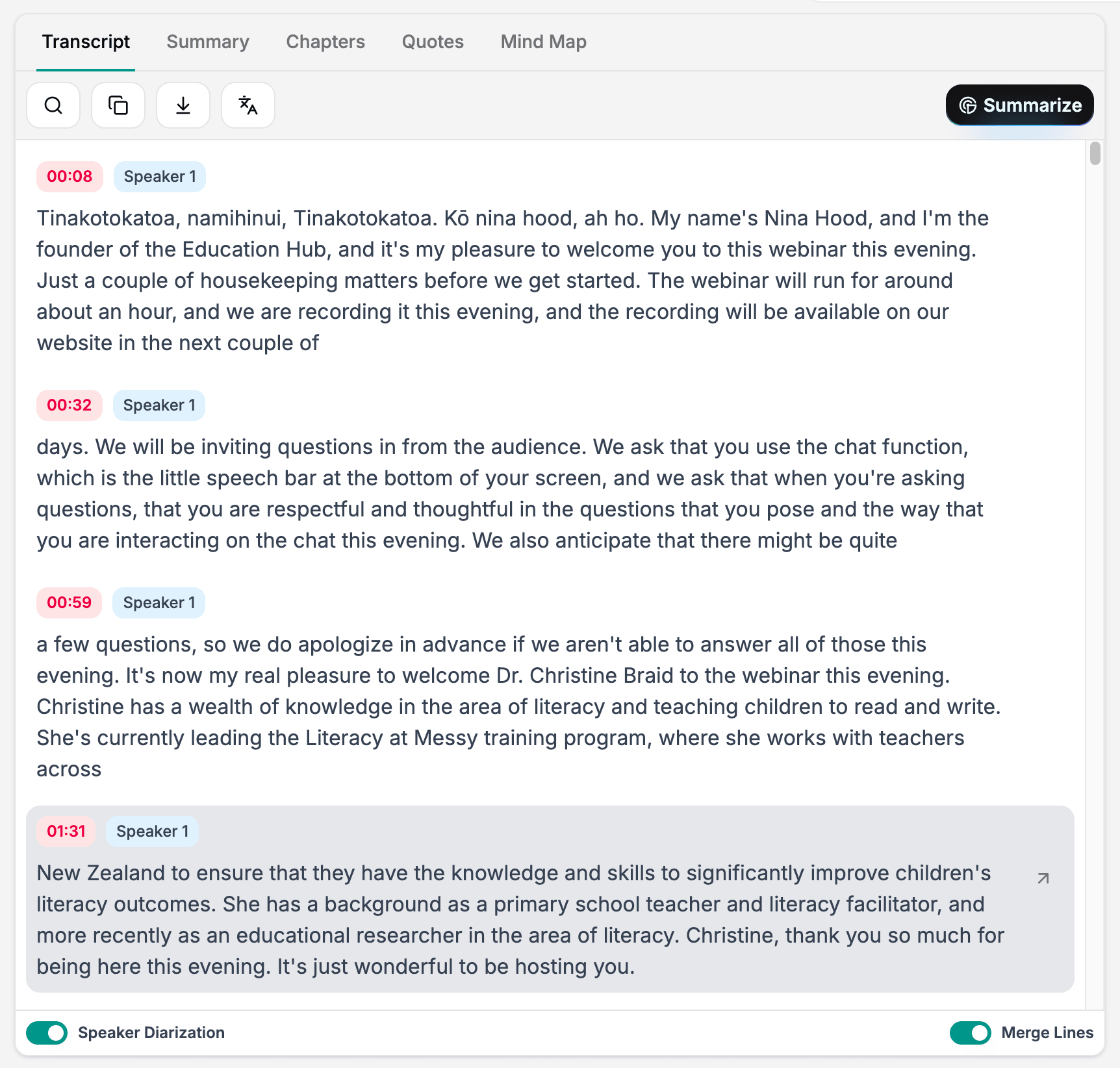
Handle different accents and regional dialects in the same conversation, including multilingual discussions and speakers who switch languages mid-sentence.
The transcription model uses a comprehensive vocabulary that covers industry jargon, technical terms, acronyms, product names, and other specialized language.
Each transcript is divided into clear speaker turns with speaker labels, clickable timestamps, and accurate punctuation. When someone uses multiple languages, each language appears clearly in the transcript as it was spoken.
Upload and Transcribe Without Extra Setup
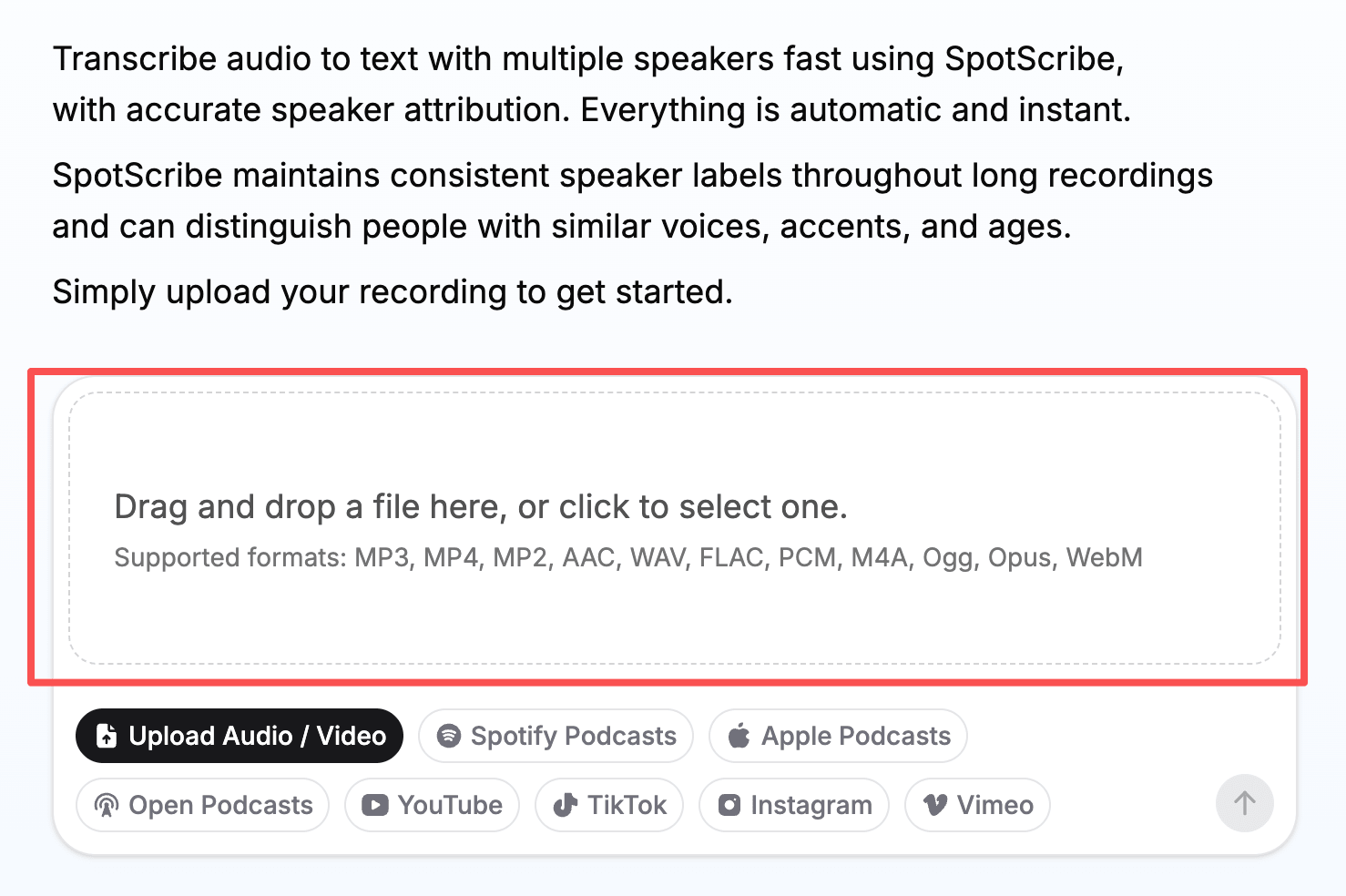
Upload your recording by selecting a file or dragging and dropping it into the uploader. Common audio and video formats are supported.
Each file can contain up to six hours of audio and be as large as 3 GB, covering most interviews, podcasts, hearings, and other long recordings without manual splitting.
Transcription takes about two minutes on average. Percentage indicators show the progress of both uploading and transcription, while AI automatically identifies each speaker and reports how many speakers are in the recording.
Download Full Transcripts or Filter by Speaker
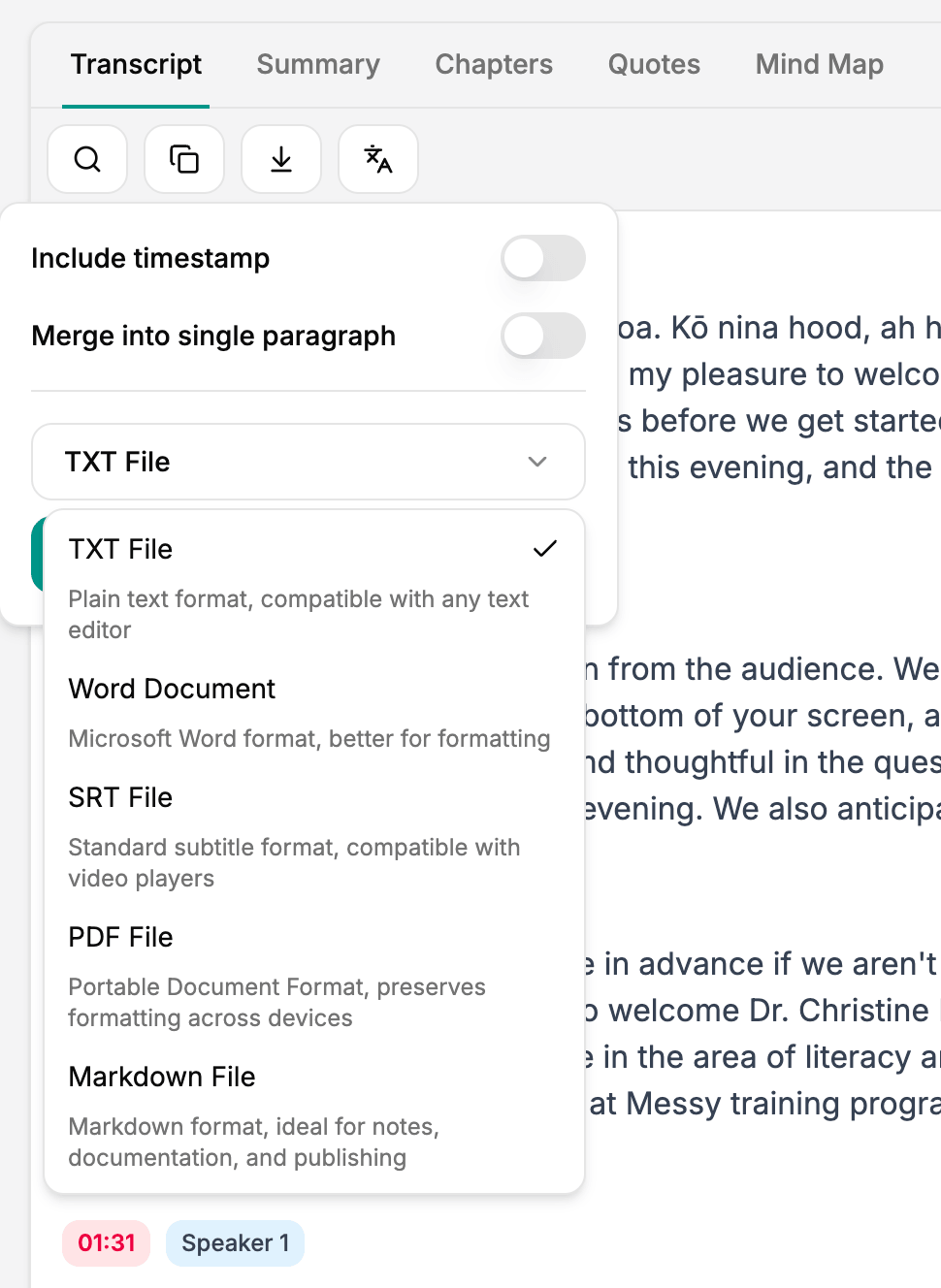
Download transcripts with speaker labels and timestamps in TXT, PDF, DOCX, SRT, JSON, or Markdown format.
Speaker labels in every exported file match the transcript shown in the interface, so names and dialogue remain consistent after downloading.
You can also use the speaker filter to find one participant’s contributions or download a transcript containing only that speaker’s dialogue.
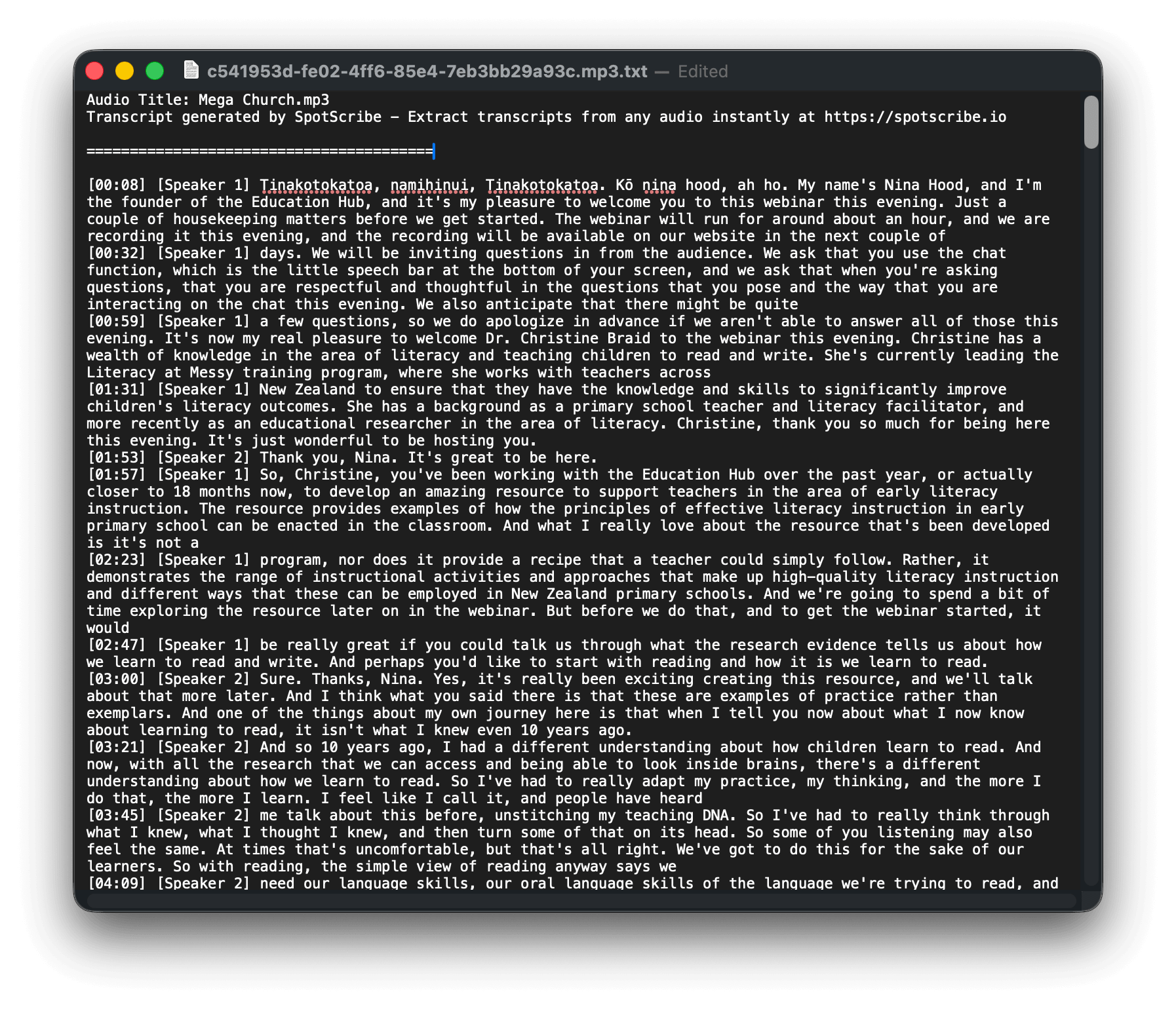
Editable Word-for-Word Transcripts
After downloading the transcript, you can edit any part of it, including speaker labels and words that may have been misidentified.
Transcripts are divided into readable sections by default. You can also merge them into one continuous block when that format works better for your workflow.
Word-for-word transcription provides a complete version of the recording while keeping the text easy to review and correct.
Transcribe Audio with Multiple Speakers Now
Upload your recording to get an editable transcript with accurate speaker labels and clickable timestamps.