Vimeo Transcript Generator
This Vimeo Transcript Generator turns any public Vimeo video into text directly from its URL. There is no need to download and upload the video first.
Paste the link to create a transcript even when the video has no captions or its creator has disabled downloads. It works with Vimeo videos of any length, from short clips to long webinars, lectures, and interviews.
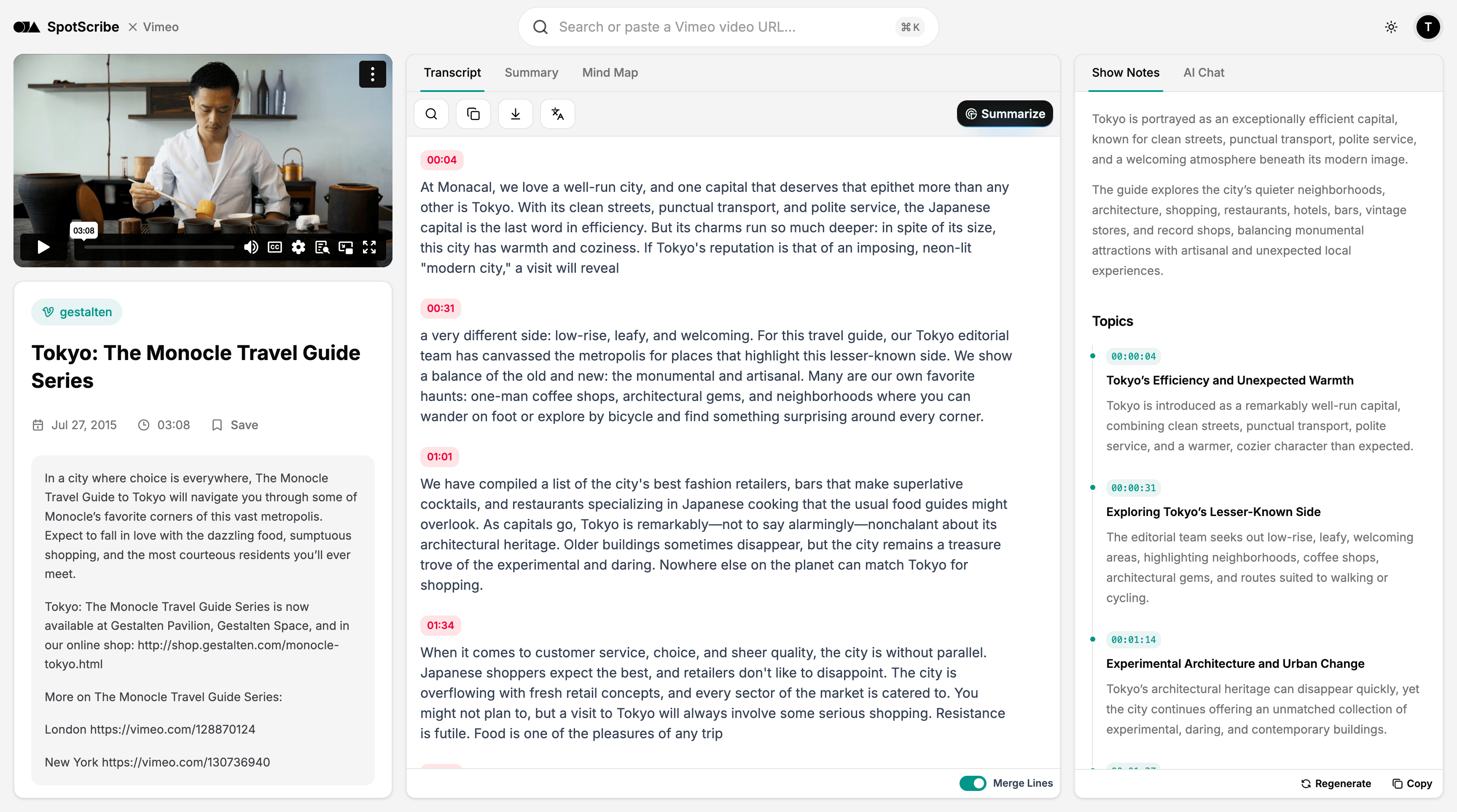
Reliable Transcription for Public Vimeo Videos
SpotScribe works with any public Vimeo video, including older videos and those without auto captions enabled.
A silent opening, long pauses, or multiple audio channels won’t cause the transcription to fail. You can also select the spoken language to improve recognition accuracy and reduce errors.
Videos up to four hours long are supported, covering most webinars, interviews, lectures, and other long-form content.
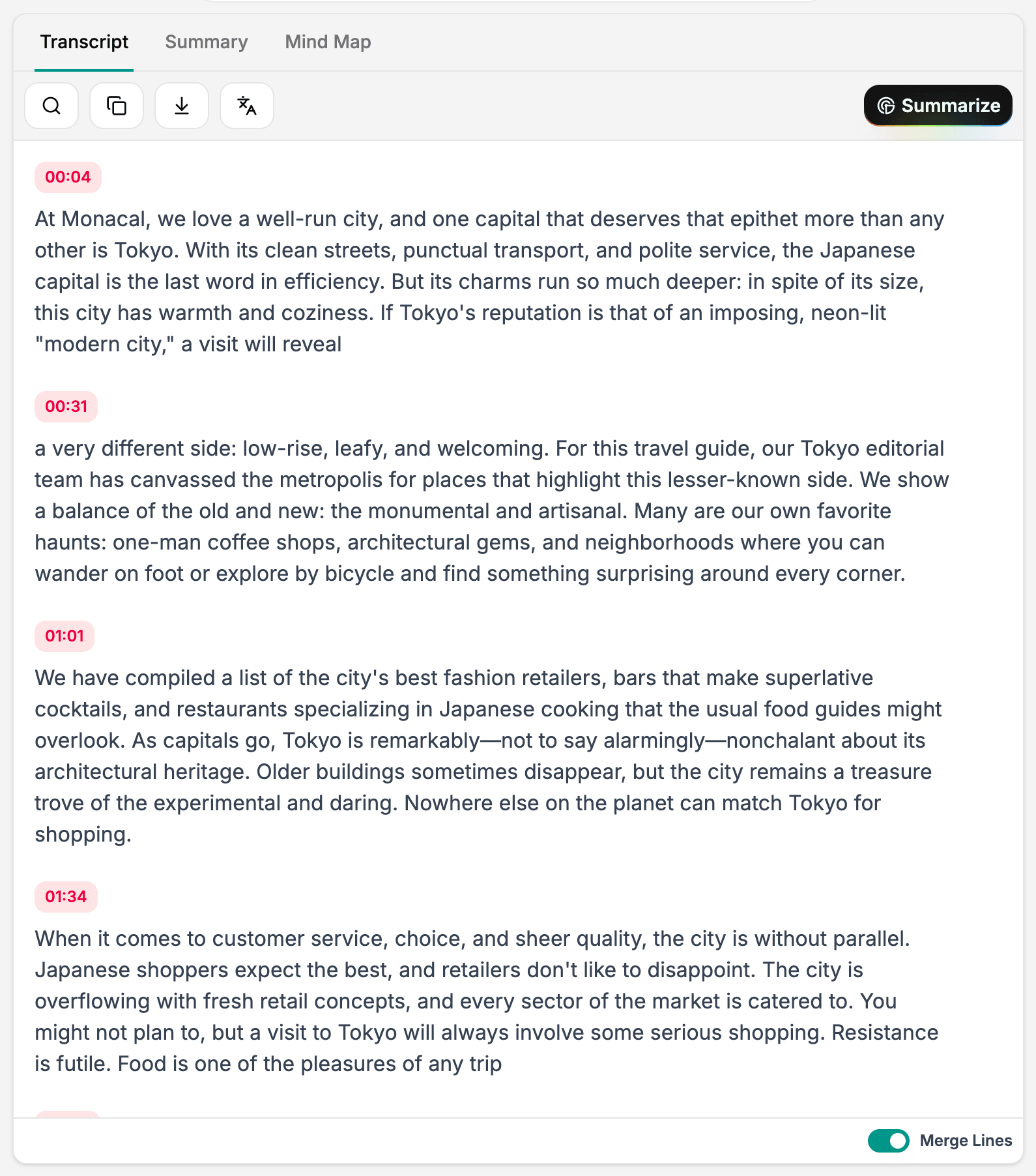
Accurate Vimeo Transcripts That Are Easy to Read
SpotScribe captures speech clearly across different accents and speaking speeds, even when a Vimeo video contains background music, noise, or echo, so you spend less time correcting inaccurate words.
Speakers are separated and labeled, while punctuation and paragraph breaks make interviews, panels, and meetings easier to follow.
Each transcript includes synchronized timestamps, letting you check a quote or return to the exact moment it was spoken.
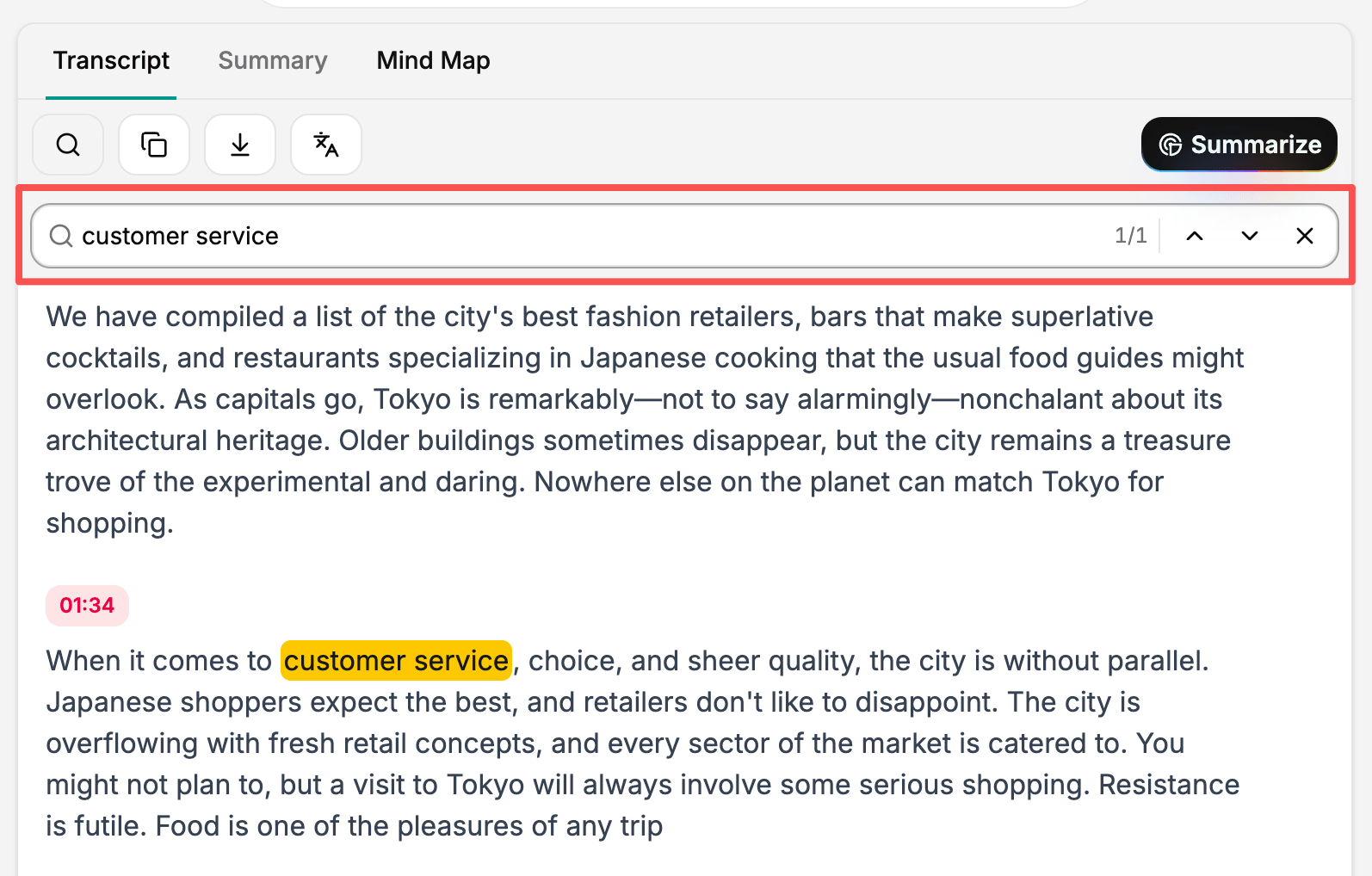
Search and Review Long Vimeo Transcripts
A full transcript can feel like a wall of text, especially when you’re reviewing a long Vimeo video.
Use the search function to quickly locate a name, phrase, or topic without reading the entire transcript.
The transcript is accurate enough for review, so you don’t have to spend time fixing the same recurring errors with find and replace.
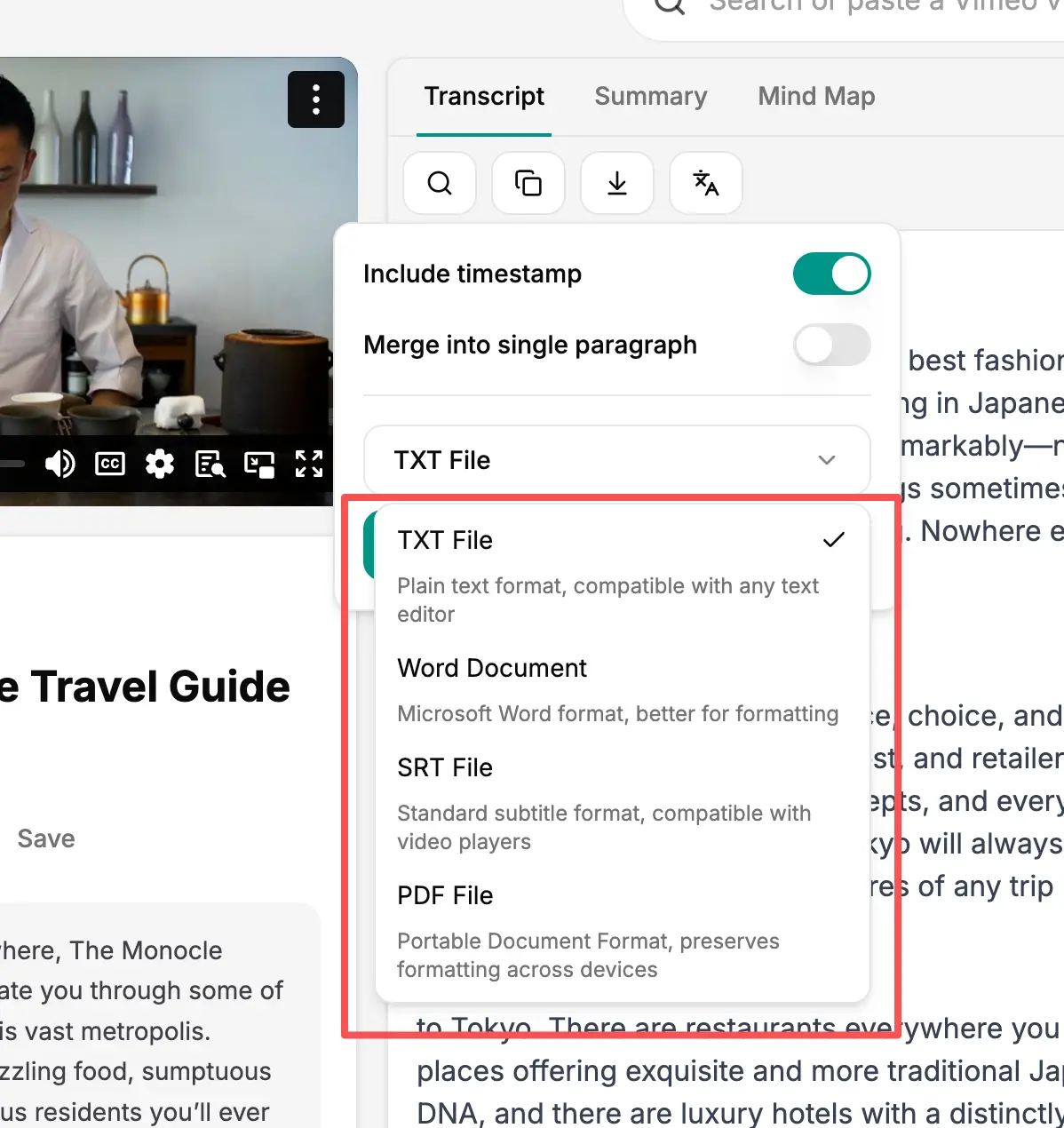
Download the Transcript in the Format You Need
SpotScribe offers more transcript download formats than Vimeo, including but not limited to TXT, SRT, PDF, and Markdown.
When downloading, you can include or remove timestamps and merge the transcript into a single paragraph if you want to.
The SRT file is ready to upload to another video platform, such as YouTube, without manual reformatting.
Get Vimeo Transcripts in Minutes
You only need to paste a public Vimeo link and start the transcription. Downloading the videos is not necessary.
It works especially well when you’re working against a deadline. SpotScribe generates the transcript in minutes instead of making you wait for hours.
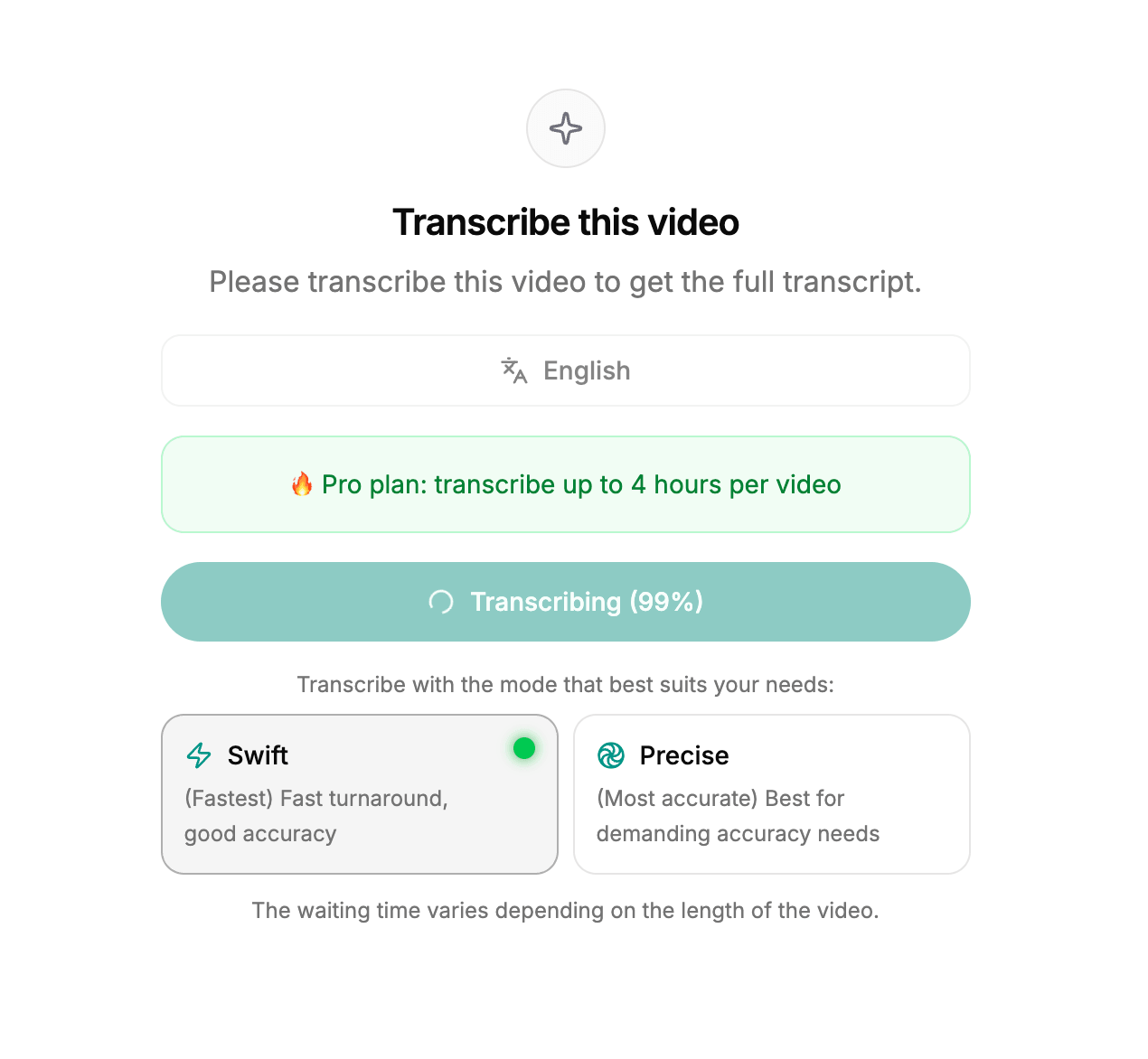
You can follow the processing progress and see the estimated completion time, so you know when the transcript will be ready.
Transcribe a Vimeo Video Now
Paste a public Vimeo link to turn the video into an accurate, downloadable transcript.