Zoom Recording Transcript Generator
Use SpotScribe as your Zoom recording transcript generator to transcribe a meeting now!
Upload your recording and SpotScribe will transcribe it with speaker labels, timestamps, and clean formatting. No more manual typing or replaying the whole meeting.
Every transcription stays private unless you share it.
Drag and drop a file here, or click to select one.Supported formats: MP3, MP4, MP2, AAC, WAV, FLAC, PCM, M4A, Ogg, Opus, WebM
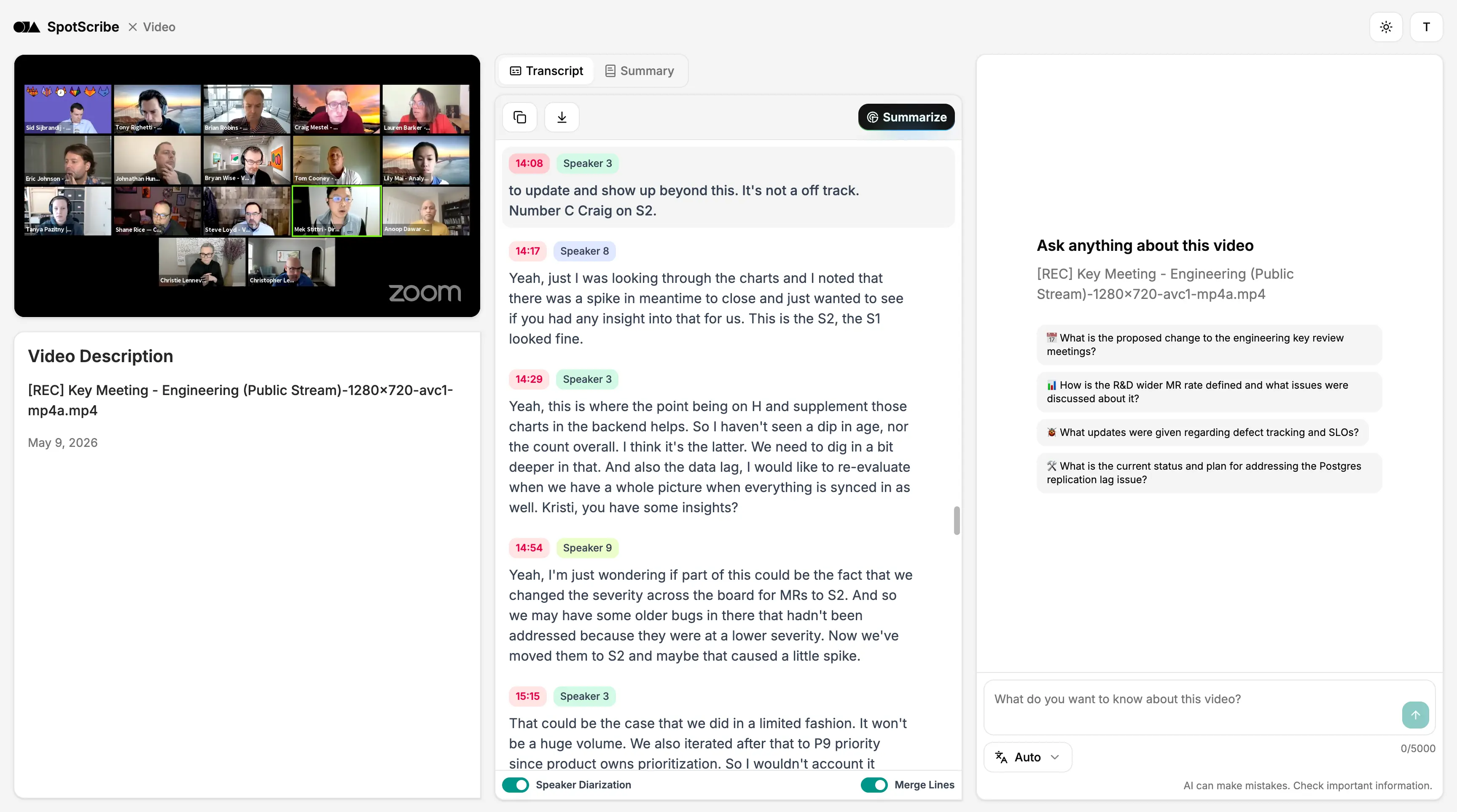
Upload your Zoom recording and get a transcript
Get your Zoom transcript as soon as the meeting ends. Use the transcript to write meeting minutes and catch details you missed during the live call.
Once your recording is uploaded, you can access both the recording and transcript from any device. Open it on desktop, tablet, or mobile whenever you need to review the conversation.
This works for many types of Zoom recordings, including:
- Webinars
- Training videos
- Interviews
- Clips created from Zoom calls
- Meetings recordings
- Podcasts
- And more...
You can use the same workflow for every Zoom recording you need to transcribe.
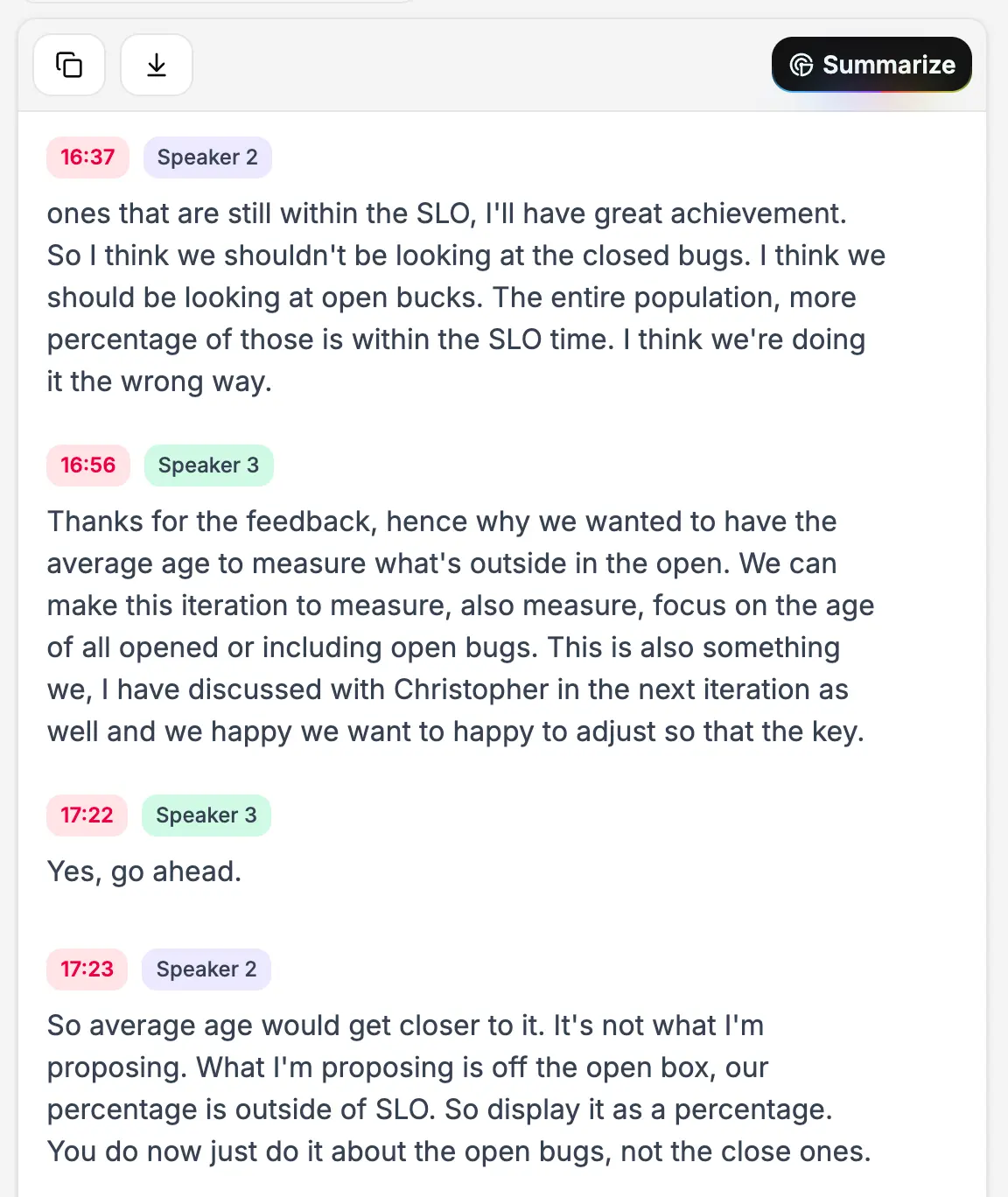
See Who Said What with Speaker Labels
Have you ever wanted to have speaker recognition in the transcript and see who said what?
SpotScribe turns one long block of meeting text into speaker labeled lines with timestamps. You can follow the conversation more easily and jump back to the right moment in the recording.
It also helps with messy transcript parts, like overlapping speech, small talk, repeated comments, and filler words. It cleans things up so you don’t have to.
Transcribe Zoom recordings in the right language
SpotScribe supports transcription in 99+ major languages, so your Zoom recordings can be converted into the language your speakers actually use.
It also works well for multilingual calls and interviews. If a recording moves between languages, SpotScribe can still follow the conversation and create a clear transcript.
You spend less time fixing text too. SpotScribe is backed by a large vocabulary database, and its AI is built to handle names, acronyms, or industry terms with accuracy.
Supported languages include:
- English
- Spanish
- Italian
- German
- Japanese
- Korean
- Arabic
- Hebrew
- Chinese
- And many more...
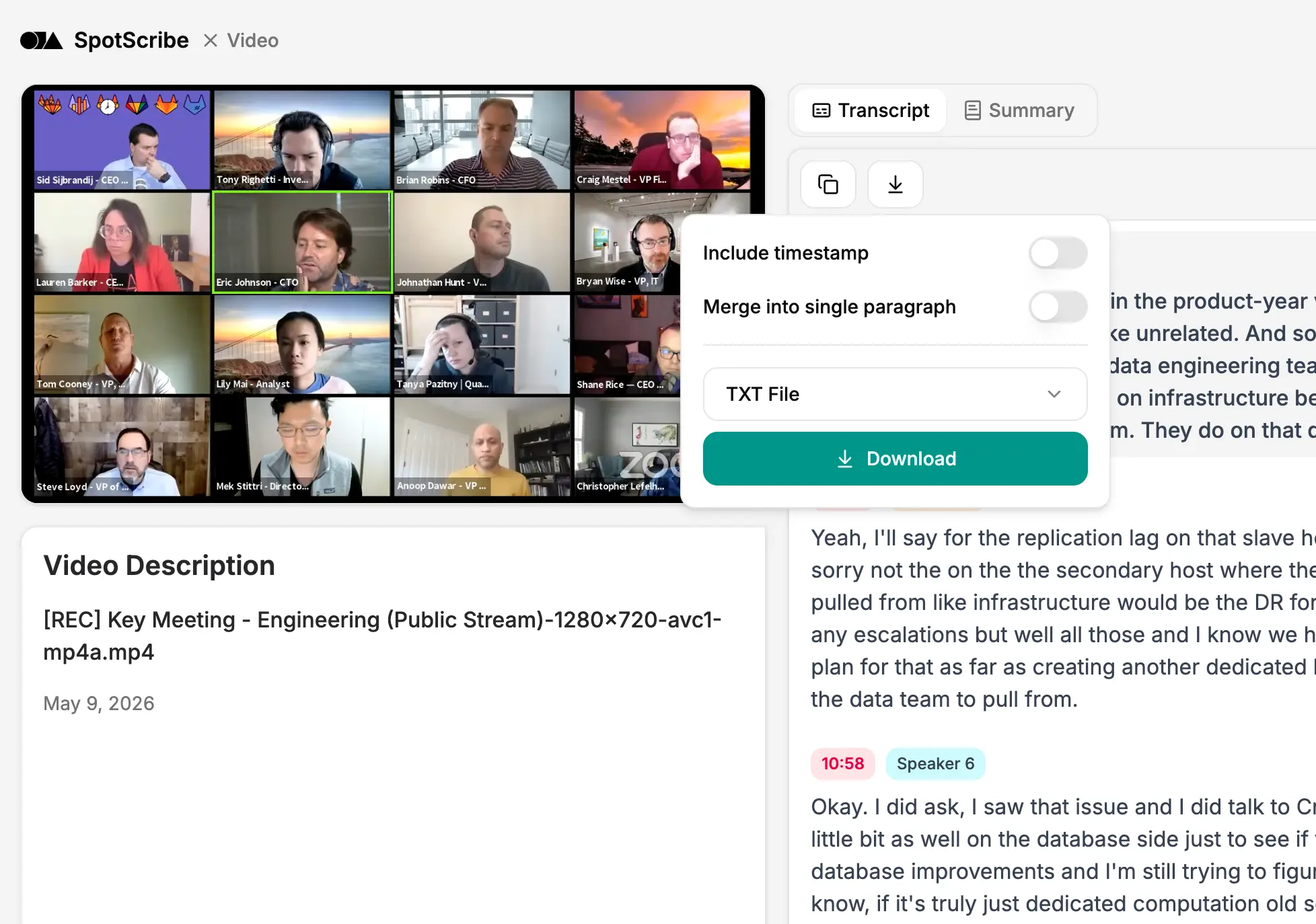
Share the transcript with anyone who missed the meeting
Once your recording is transcribed, you can download the text immediately as a TXT, PDF, SRT, or Word document.
You can review the text first to fix names, correct specific terms, and clean up any mistakes before you pass it along.
After making your edits, you can easily copy and paste the transcript to share it in Slack, Notion, Google Docs, an email, or other project tools.
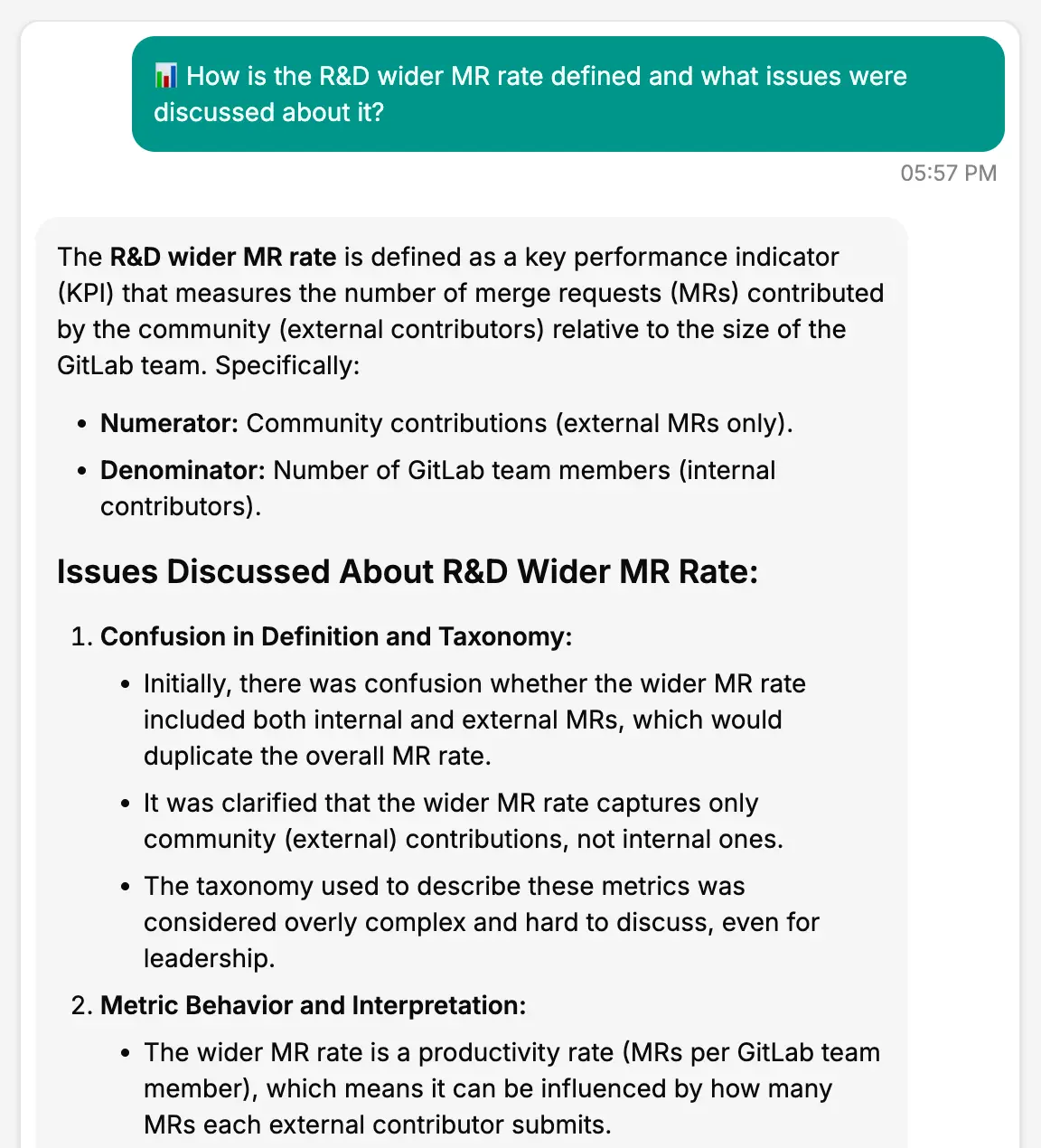
Find answers inside your Zoom transcript
SpotScribe lets you chat directly with your transcript. If you have a specific question about the meeting, you can ask the AI and get an immediate answer.
When you do not have time to read the full text, you can generate a summary instead. The summary groups the conversation by topic. This makes it easy to skim the main points and make sure you do not miss anything.
Turn Your Zoom Recordings into Transcripts for Free
Upload your recording and get a transcript with speaker labels, timestamps, and a summary in seconds.
Drag and drop a file here, or click to select one.Supported formats: MP3, MP4, MP2, AAC, WAV, FLAC, PCM, M4A, Ogg, Opus, WebM