Voice Message to Text Converter
Transcribe your voice recordings easily with this free voice message to text converter on SpotScribe. There's no complicated setup required. Simply upload a voice message and get the transcript in seconds.
The transcription is powered by OpenAI Whisper, which delivers up to 99% accuracy so there's no need to proofread the output yourself. It supports over 100 languages and handles a wide range of accents and dialects well.
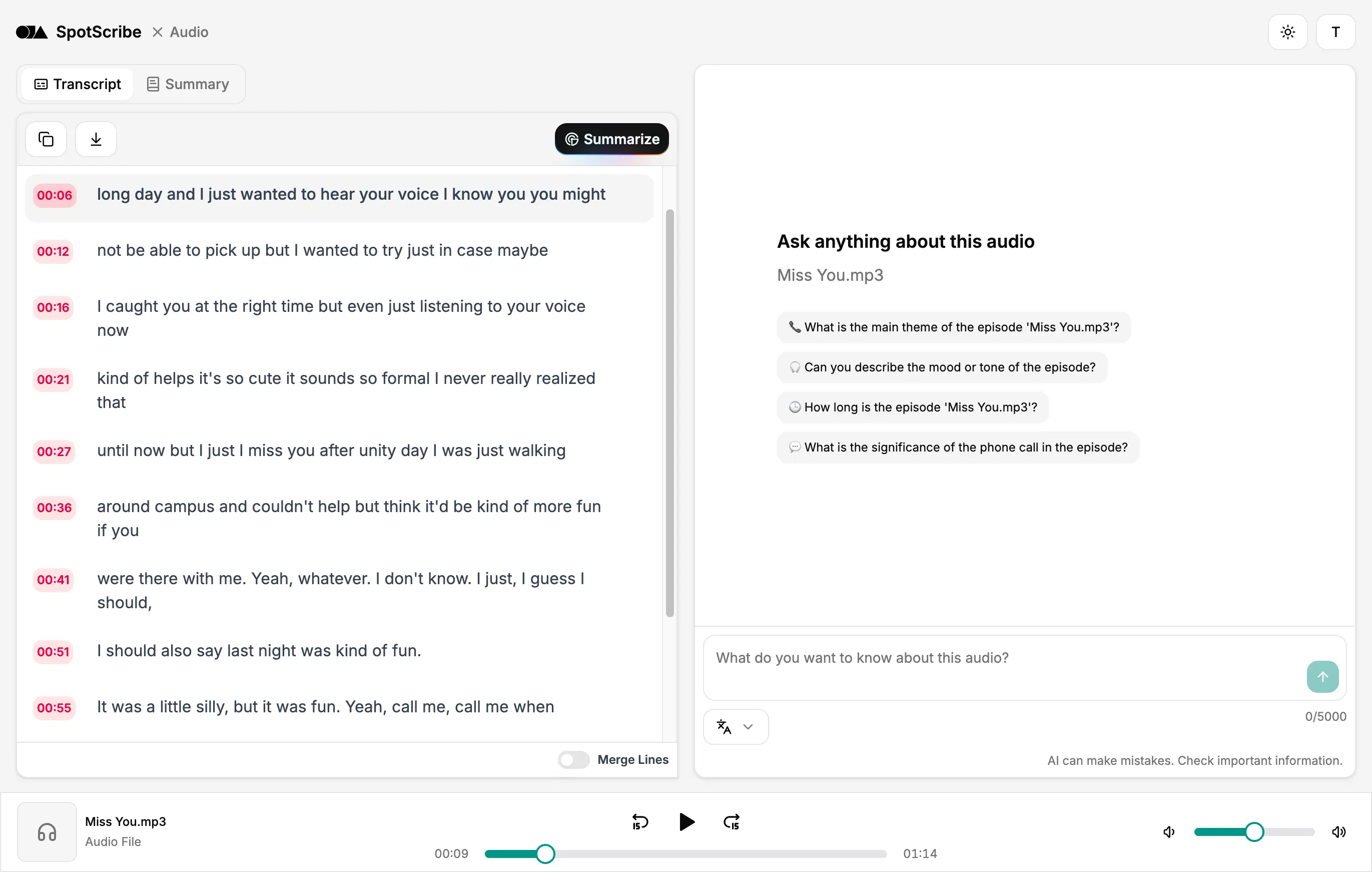
Convert Your Voice Recording to Text
Getting a voice message into text isn't always quick or easy. Without the right tool, it slows down your work and usually takes more manual effort than it should.
Spotscribe transcribes your voice messages instantly, with accuracy that matches what a human would produce.
Here's how it works:
1. Upload your voice message
Drag and drop your file and you're done. Everything else will be taken care of automatically.
2. Choose a mode that fits your need
Pick Swift Mode for the fastest turnaround, or Precise Mode if accuracy is the priority.
3. Copy or download your text
Save your transcript as a TXT, PDF, or Word document. Your transcriptions are saved, so you can always come back to them later in the history page.
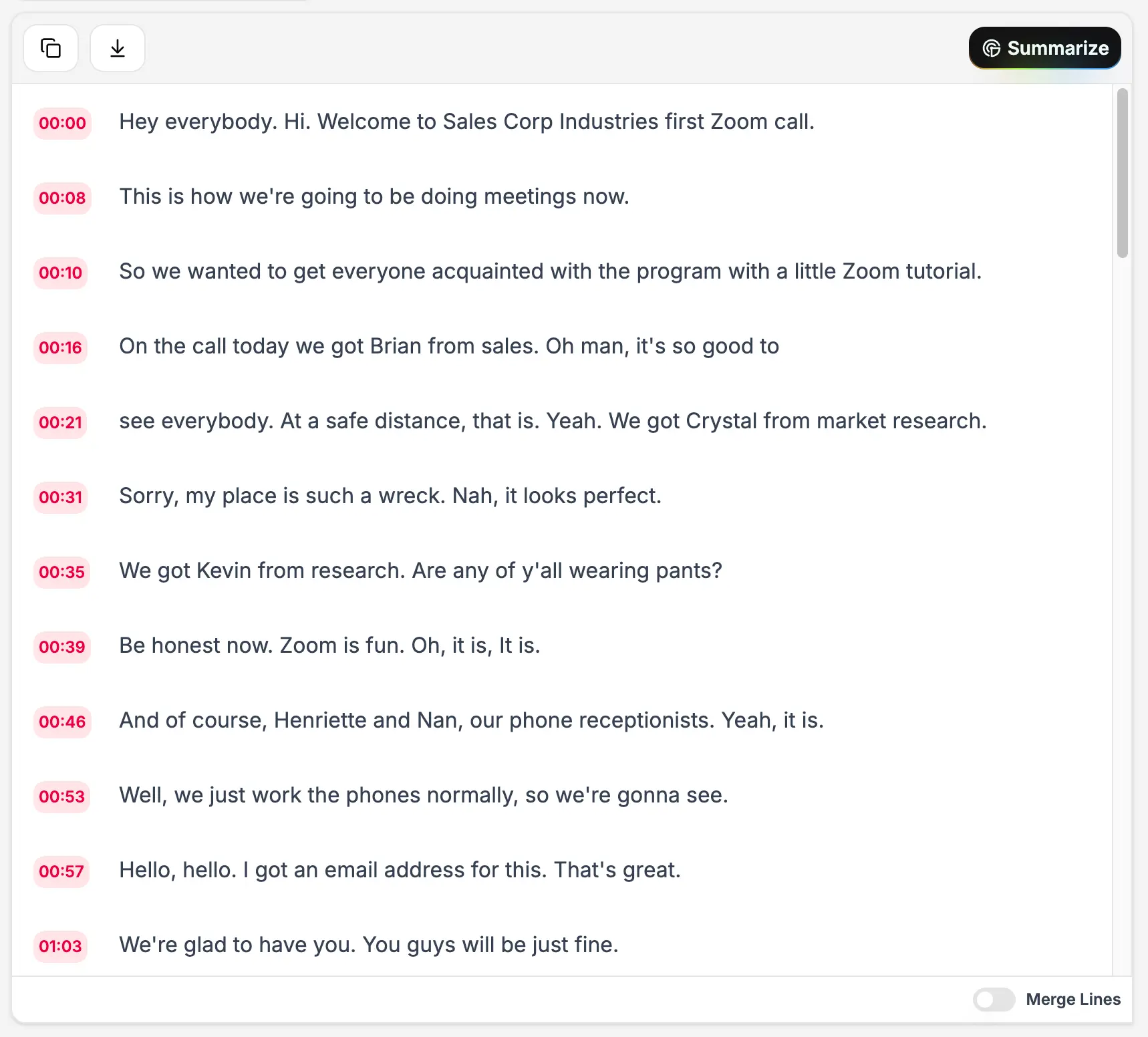
Transcribe Voice Memos, Interviews, and Conference Calls
SpotScribe transcribes audio across different scenarios, like voice memos, interviews, Zoom meetings, and conference calls. It works with the recordings you already make on a regular basis. Simply upload your audio file to get started.
Accepted formats include MP3, MP2, AAC, WAV, FLAC, PCM, M4A, Ogg, and Opus.
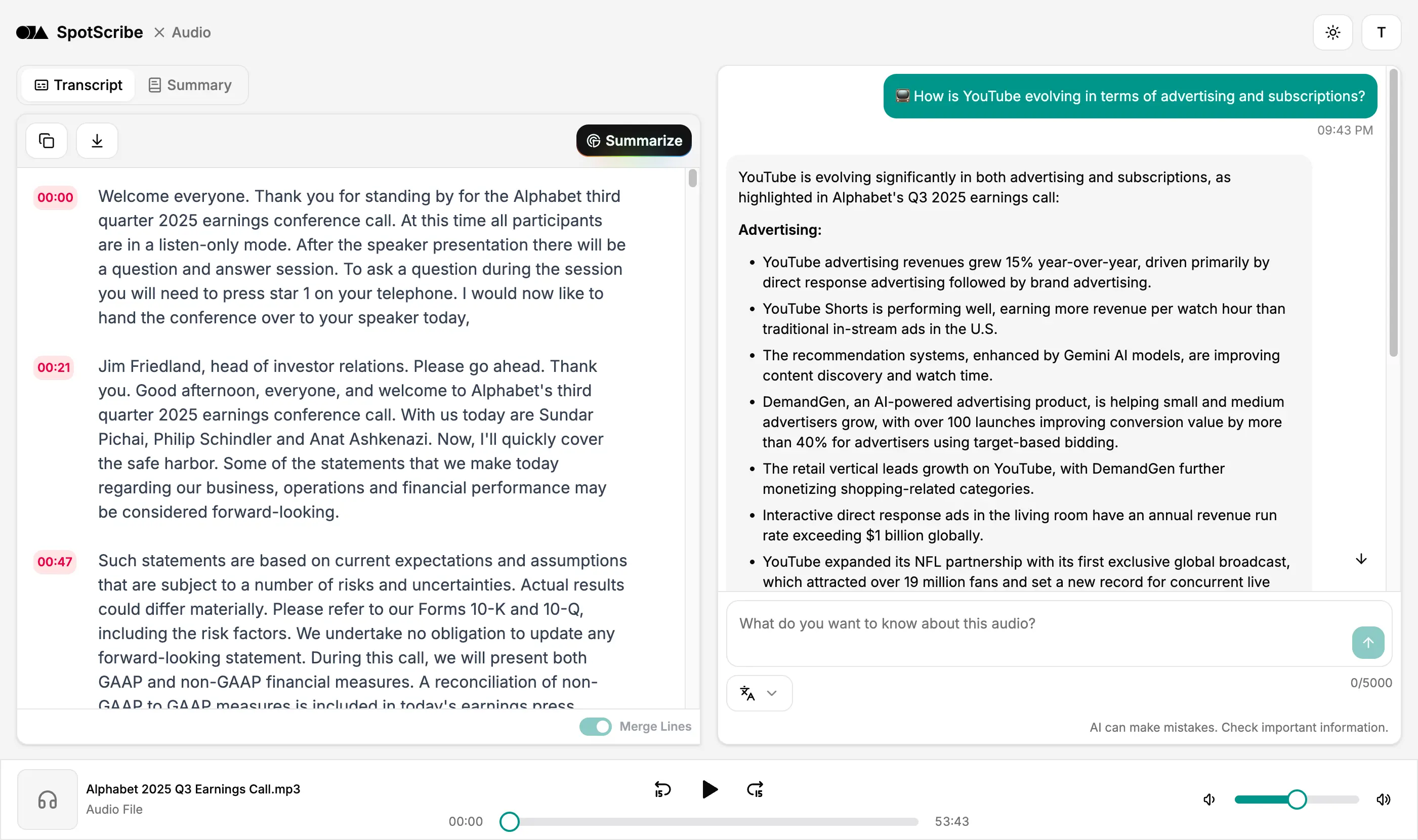
Works Well with Accents, Dialects, and Low-Quality Audio
Maybe your voice message was recorded on a train, in a busy office, or in a room with a lot of background conversation. Or perhaps the recording quality is not ideal because it was made on an older phone or a basic microphone.
SpotScribe is designed to handle those conditions and convert speech into clear text. It also removes filler words, so the transcript feels more focused and easier to review.
It works with different accents and dialects as well, making the final transcript more reliable.
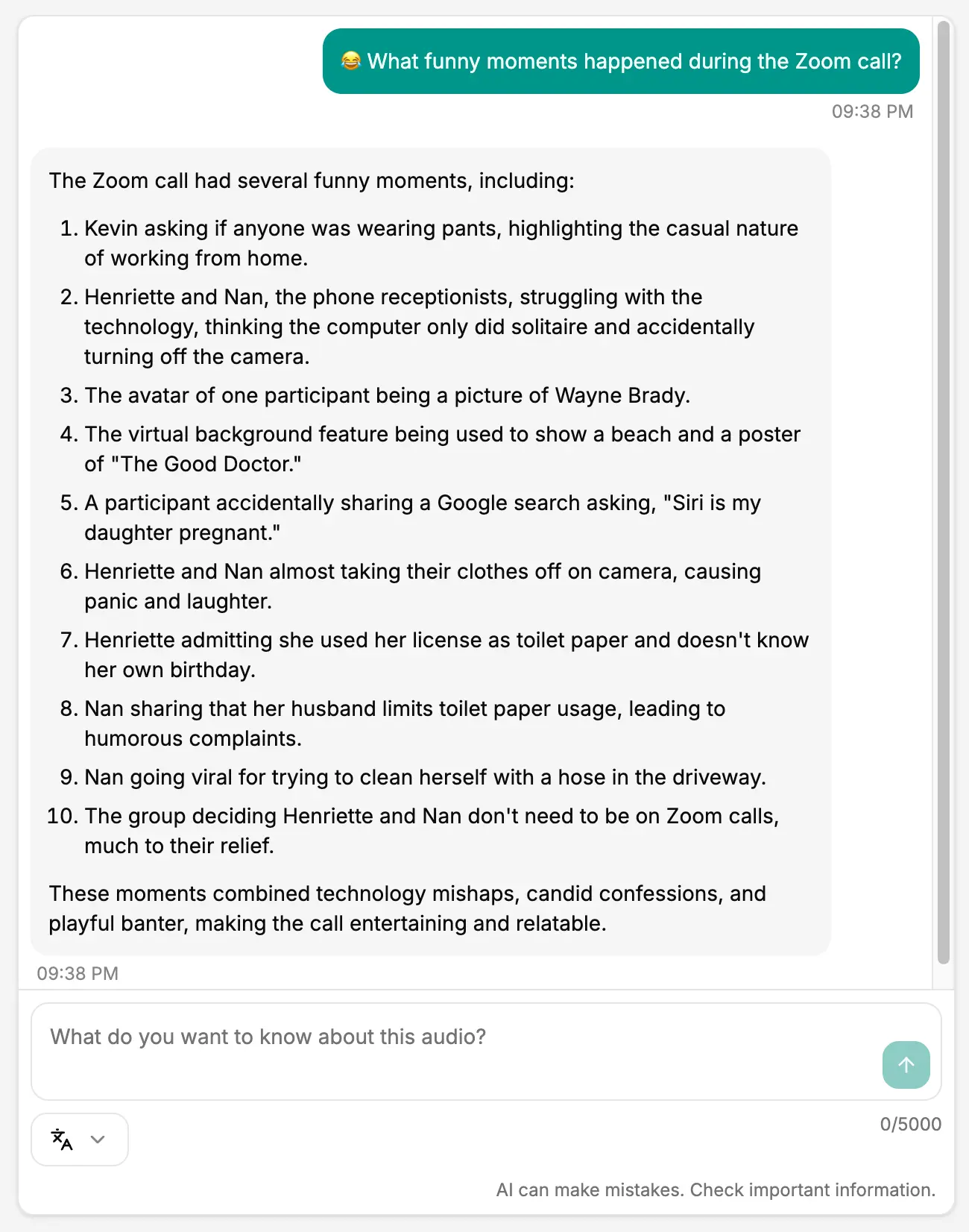
Search, Summarize, and Share Your Transcripts
SpotScribe does more than turn voice recordings into text. It makes your transcript searchable, so you can find key moments, review details, and take notes.
You can also use AI Chat to rewrite or organize the transcript for different needs. If you just want a quick overview, the summary gives you the main points in a shorter format.
You can then export the transcript and share it with teammates or friends if needed.
Your Recordings Stay Private
Your uploaded files are saved securely and encrypted in the cloud. We do not keep personal information, and only you can access your data unless you choose to share it.
Voice Messages You Can Actually Read
Upload your recording and get a transcript you can read, edit, and share.