Download YouTube Song Lyrics
SpotScribe lets you download timestamped lyrics for any YouTube song.
It uses AI to transcribe the audio, so you don't have to listen and type things out yourself. Results are accurate enough for singing along or quoting directly.
It works on videos with no subtitles too. The built-in transcription handles them so you never have to skip a video.
Simply paste a YouTube video URL to get started.
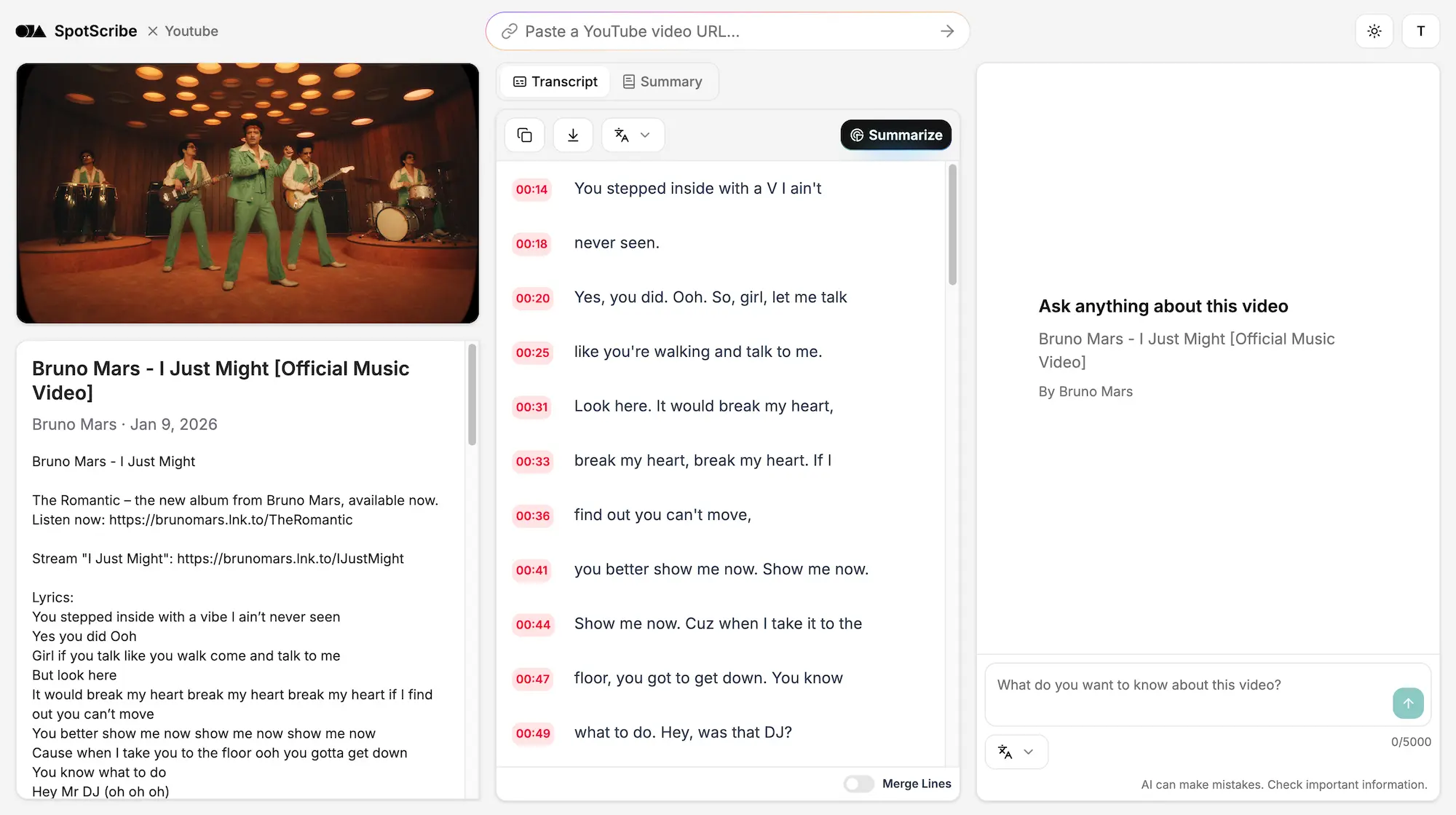
Get YouTube Lyrics from Any Device
Generate lyrics from any youtube song with a link. You might know how to get transcripts from YouTube on a computer, but don't know how it works on a phone. Or perhaps you are not satisfied with the accuracy of the results.
Taking lyrics out of a song could not be easier with SpotScribe. You can use your phone, tablet or computer to have the same results. Each lyric line maps to the exact second in the song, and all you need to do is paste the link.
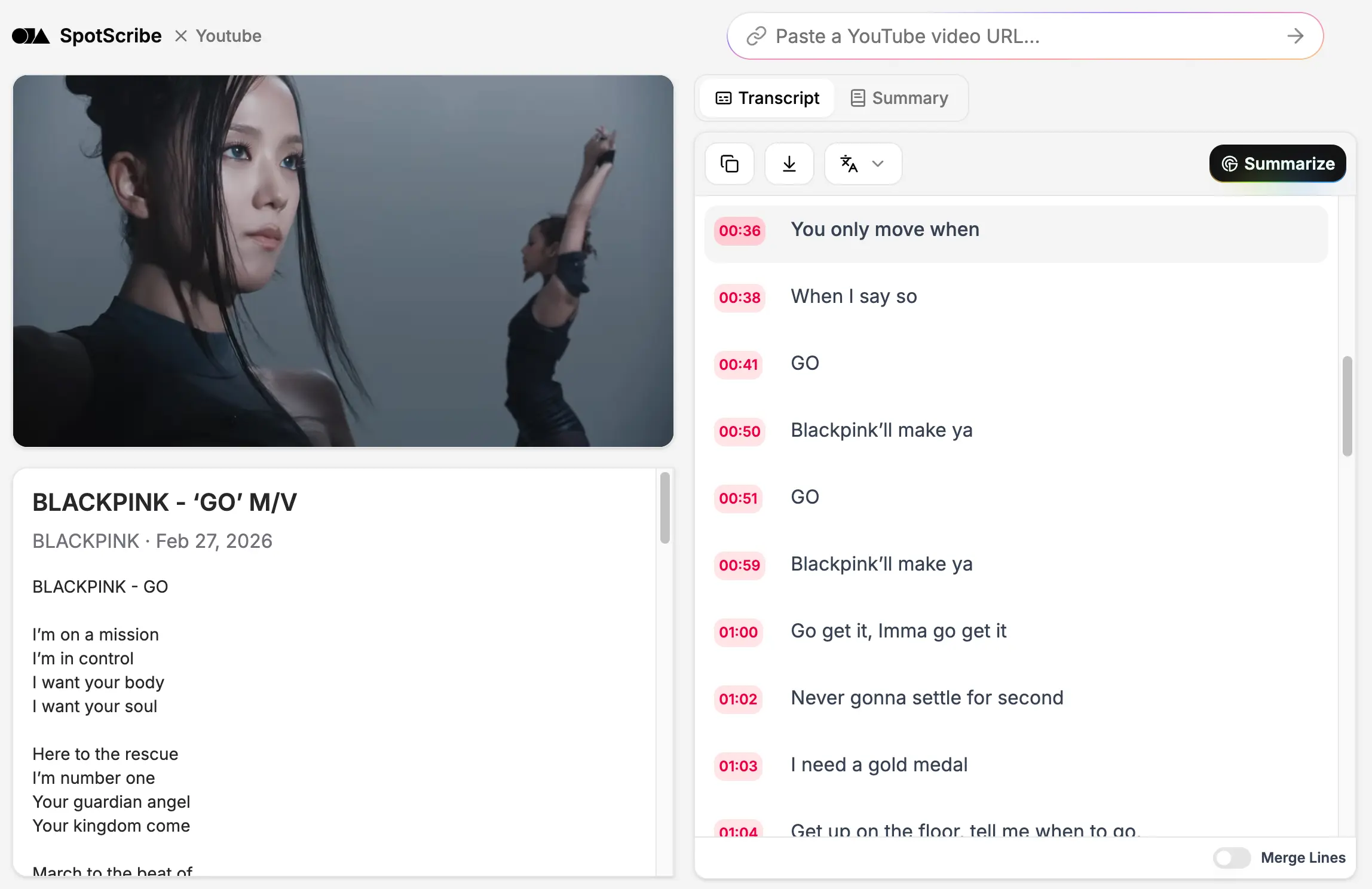
AI Lyrics Generator for Any Genre
SpotScribe works with YouTube songs across different genres, including Rock, Indie, and more.
It also supports non-English songs in languages like Italian, Chinese, and Korean. And if a video has no subtitles, SpotScribe transcribes the audio so you can still get the lyrics.
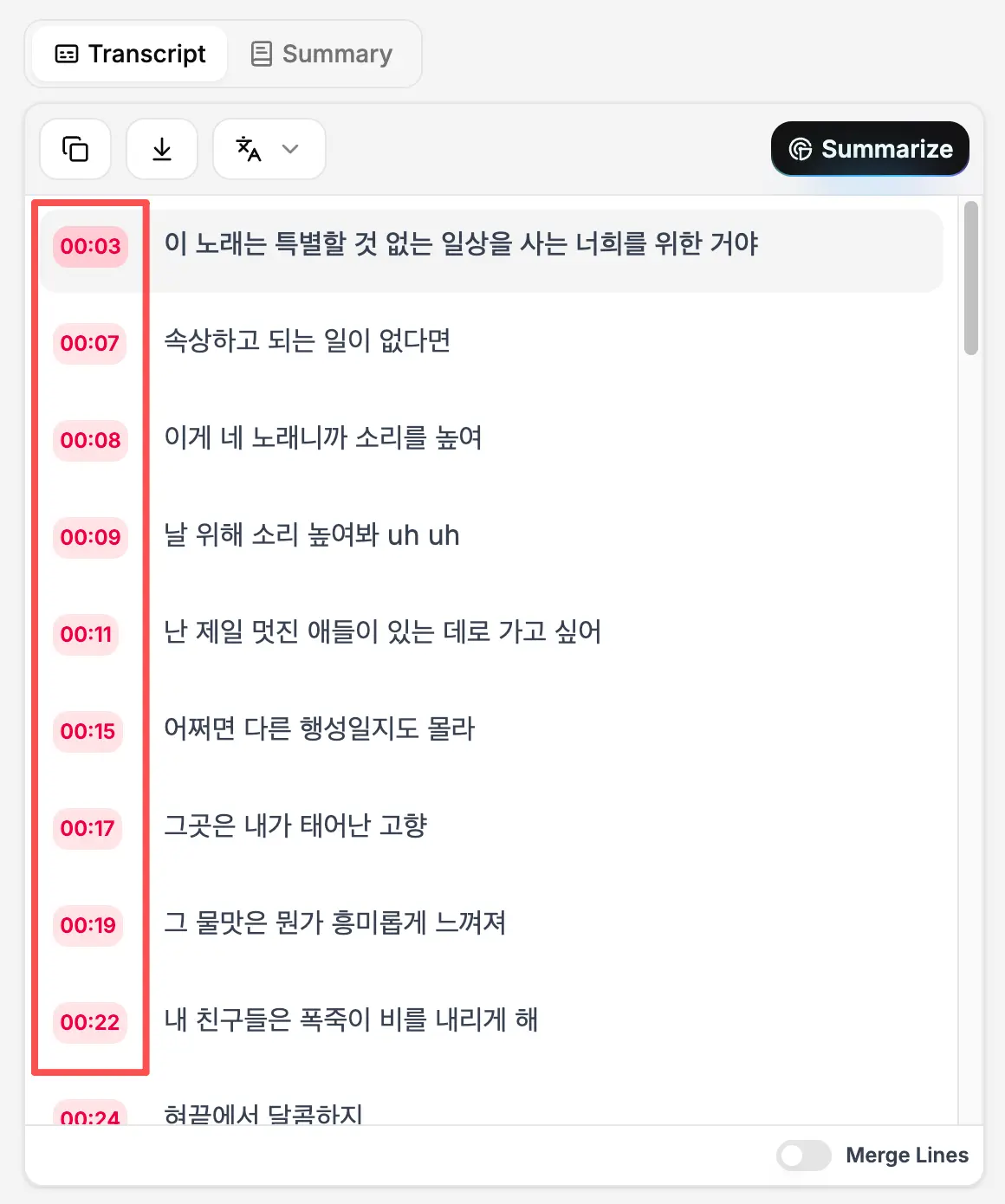
Extract Timestamped Lyrics from Any YouTube Video
Each lyric line has a timestamp you can click to go to that part of the song.
The transcription includes accurate punctuation, so each line is clear and properly formatted.
Most YouTube transcript generators combine captions into one block. We added a "Merge Lines" option so you can switch it off and keep the lyrics line by line, which is easier to read as a song.
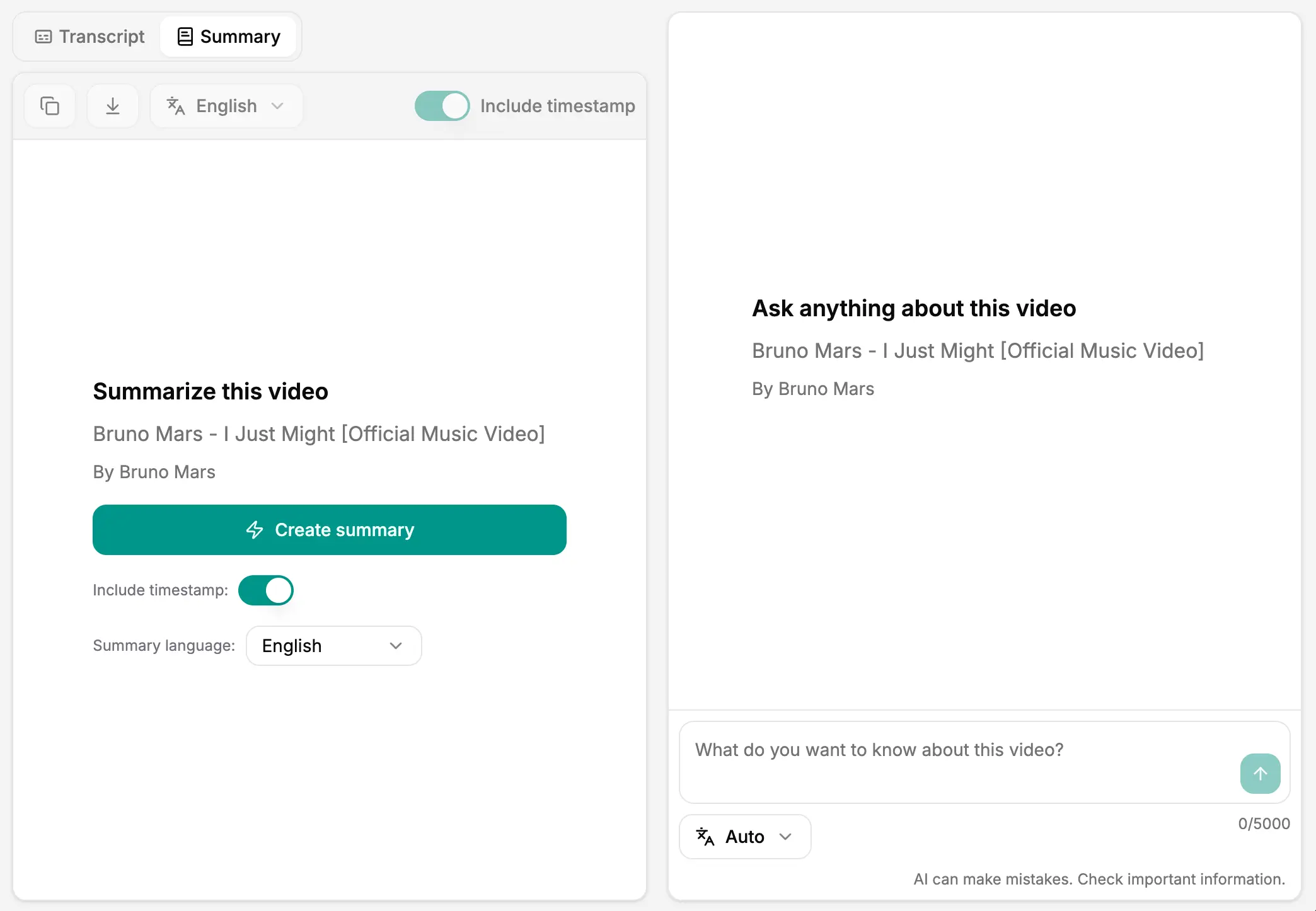
Translate Lyrics to Any Language
SpotScribe supports translation into 100+ languages and dialects. Select a language from the list, and the lyrics will be translated in a few seconds.
The translation is done line by line, so the structure stays intact and the meaning of each line is kept close to the original. No need to go back and clean it up or rephrase it yourself.
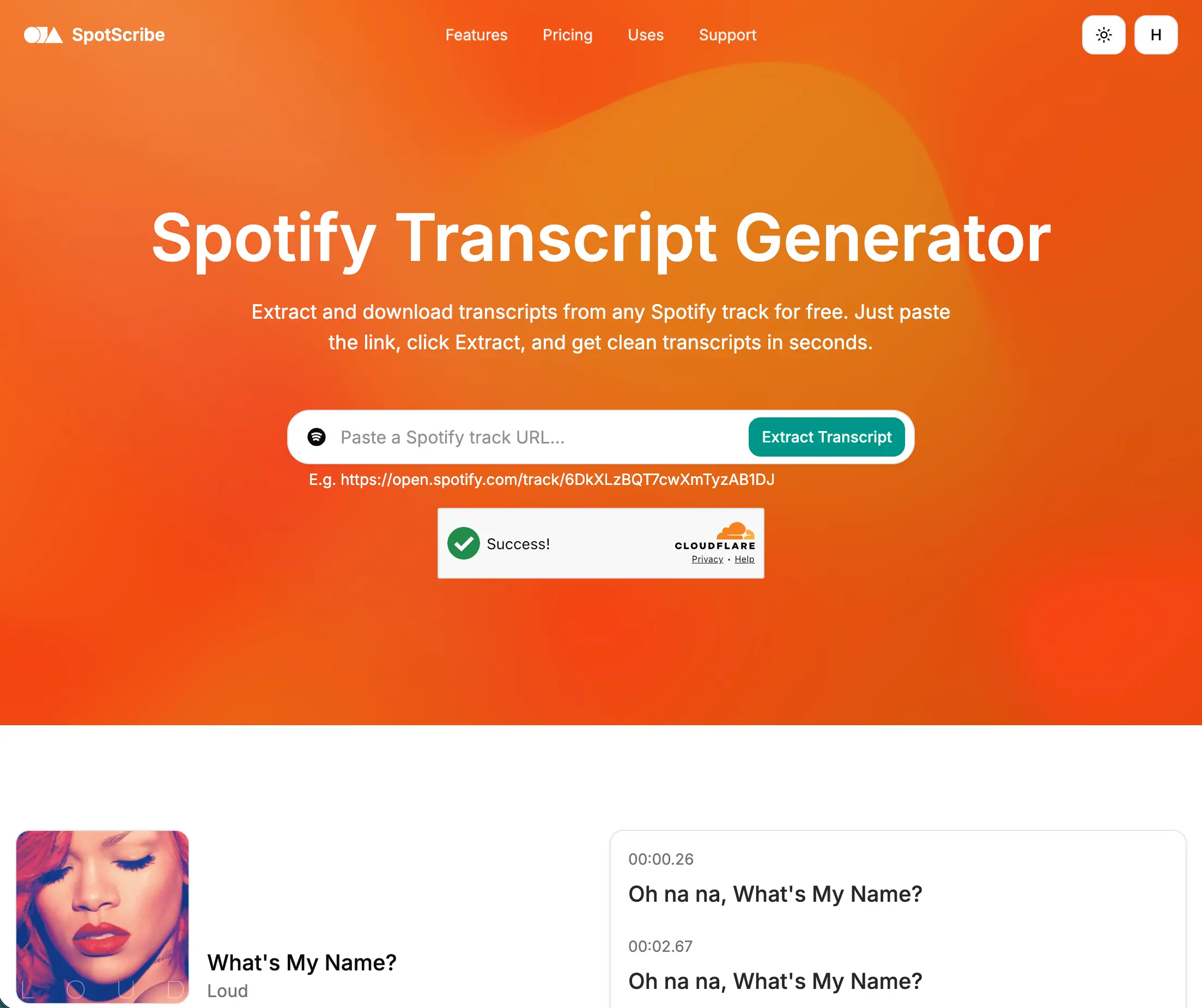
Upload Song and Get Lyrics
SpotScribe also lets you upload a song file directly to get the lyrics. It supports common audio formats like MP3, M4A, AAC, and more.
It also works with Spotify track links, so you have more than one way to get the lyrics you need.
Get the Lyrics You Need
Upload an audio file or paste a YouTube or Spotify link to get started.